
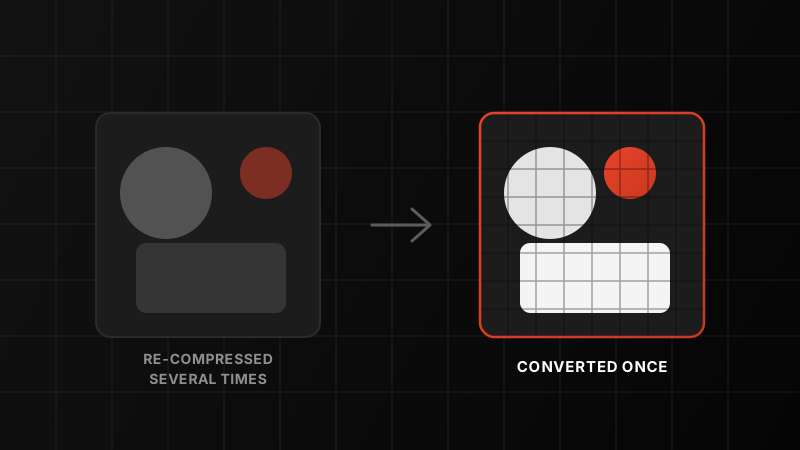
Upload the same photo to a handful of apps and compare the results, and one thing becomes obvious fast: some come back noticeably softer, blotchier or more washed out than others. The usual explanation is "compression" — as if it were a single dial that platforms turn up or down. In practice, the bigger culprit is simpler and easier to fix: the same photo gets processed more than once before anyone actually sees it.
That is the problem we built ZeroPix's upload pipeline around. We are not claiming to store your original file untouched forever — like most platforms, we optimise what you upload so it loads quickly and reliably. What we do differently is make sure that happens exactly once. We don't re-encode your photo a second time when it's viewed, cached, shared or forwarded. One conversion, and then we leave it alone.
What actually destroys photo quality online
Most photos on the web are JPEGs, and JPEG compression works by throwing information away — grouping pixels into blocks, simplifying colour and detail, and discarding whatever the algorithm decides you won't notice. A single, reasonably configured compression pass is usually close to invisible. The damage compounds when that same file gets compressed again, and again, each time it passes through another app or server.
Think of it like photocopying a photocopy. The first copy looks almost identical to the original. By the fourth or fifth copy, the loss is obvious — not because any single copying step was unusually bad, but because the errors from every previous step stack on top of each other.
How one photo gets compressed more than once before you ever see it
A photo rarely makes a single hop from camera to feed. A fairly ordinary path looks like this:
- The camera or phone compresses it on capture, saving it as a JPEG or HEIC.
- A messaging app compresses it again if it passed through a chat before reaching you — most chat apps shrink images aggressively by default.
- The platform compresses it on upload, to create a size that is efficient to store and serve.
- The platform compresses it again later if it generates separate versions for different screen sizes, caches, or re-processes images during feature updates.
- It gets compressed once more if someone saves it from the app and re-uploads it somewhere else.
Every one of those steps is individually reasonable. Stacked together, they are why a photo that started sharp can look noticeably degraded a few hops later — and why it's often hard to tell which step actually did the damage.
Where repeated compression shows up first
- Skies and smooth gradients — instead of a clean fade from light to dark blue, you get visible stepped bands, often called "banding".
- Skin tones and faces — fine texture gets smoothed into a slightly plastic, blotchy look, especially in portraits.
- Text and screenshots — edges around letters turn soft and smeared, with colour fringing around thin lines.
- Low-light and night photography — shadow detail collapses into flat, muddy blocks instead of a natural gradient of darkness.
- Fine, repetitive detail — hair, fabric weave, tree branches and water ripples smear into a blurred texture instead of distinct strands.
How ZeroPix approaches this
In plain words We optimise your photo once, when you upload it. After that, we don't touch it again — no second pass when it's viewed, cached, shared, or re-served.
When you upload a photo to ZeroPix, it goes through one conversion step, and that step produces the version we store and serve from then on. We don't generate a separate, lower-quality copy for feeds versus full view, and we don't re-process images in the background during later updates. The version your followers see today is the same version they'll see next month — not a second- or third-generation copy of it.
What this does and doesn't mean
To be clear about what we're promising: we are not keeping a byte-for-byte copy of the file your camera produced, and this isn't a platform for archiving uncompressed originals. What we are promising is that your photo is converted once, not repeatedly — so you avoid the generational quality loss that comes from an image being squeezed again every time it changes hands.
Tips to protect your photo's quality before it even reaches us
A single conversion on our end only protects the quality you send us. A few habits make sure that quality is worth protecting in the first place:
- Upload the most original copy you have. If a photo has already passed through a messaging app or another platform, upload the source file instead of a copy that has already been compressed once (or twice).
- Avoid resizing an image down, then up, then down again. Repeated resizing compounds quality loss even before any platform touches the file.
- Mind your crops. Cropping a small section out of an already-compressed photo and zooming in magnifies existing artefacts. Crop from the highest-quality source you have.
- Shoot in good light where you can. Compression artefacts are far more visible in shadow detail and low-light shots. A well-lit frame gives every later step more detail to work with.
- Export at a sensible resolution. If your editing software gives you a quality slider on export, keep it reasonably high — there's less for any single conversion step to lose.
The bottom line
Compression itself isn't the enemy — a single, well-configured pass is barely noticeable. The real damage comes from a photo being compressed over and over as it moves through app after app. ZeroPix converts your photo once, on upload, and stops there — so the version people see is one generation away from your original, not five.
Give it a try
Upload a photo to ZeroPix and see how it holds up. Join a community built for photographers who care about the detail.